Data
Move, reshape, protect and compare data: import, export, SQL migration, data masking, reschema, compare and sync, collection copy.
This section covers the tools that read data in bulk from one place and write it to another. They follow the same safety rules, so read them once here:
- Nothing is written before you confirm. Every run (import, export, migration, masking, reschema, paste, sync) first shows a confirmation that names what will be written, replaced, dropped or cleared. Saved tasks can run without the prompt. Some cases always need a person to confirm (see Mask data).
- Read-only connections refuse writes in the engine, not only in the window. A tool that would write to a connection with the read-only lock stops before it asks anything.
- Sources are never written. An export, a migration, a reschema or a comparison only reads its source. SQL sources open read-only sessions and accept only reading statements.
- Drop and clear wait for the first record. When an insertion mode drops or clears the target, this happens just before the first batch is written. A file that cannot be read, a wrong path or a source that fails at once leaves the target as it was.
- Files are written next to their target. They are renamed into place only when complete, so a failed or cancelled export never leaves a half-written file over the previous one.
- Long runs are jobs. They appear in the Operations pane under the connection tree, with their progress, a Cancel button and a summary when they finish. Cancel stops at the next batch, and what was written before stays.
| Task | Page |
|---|---|
| Load JSON, CSV, BSON dumps, a SQL table or another collection | Import data |
| Save collections or query results as JSON, CSV, Excel, SQL, BSON or into another collection | Export data |
| Move relational tables into collections | Migrate from SQL to MongoDB |
| Move collections into relational tables or SQL files | Migrate from MongoDB to SQL |
| Make a safe copy of sensitive data | Mask data |
| Change the structure of documents | Reschema a collection |
| Find and fix differences between two collections | Compare and sync collections |
| Copy collections between databases or servers | Copy and paste collections |
You can save each of these tools as a task, then run it again or on a schedule. See Automation.
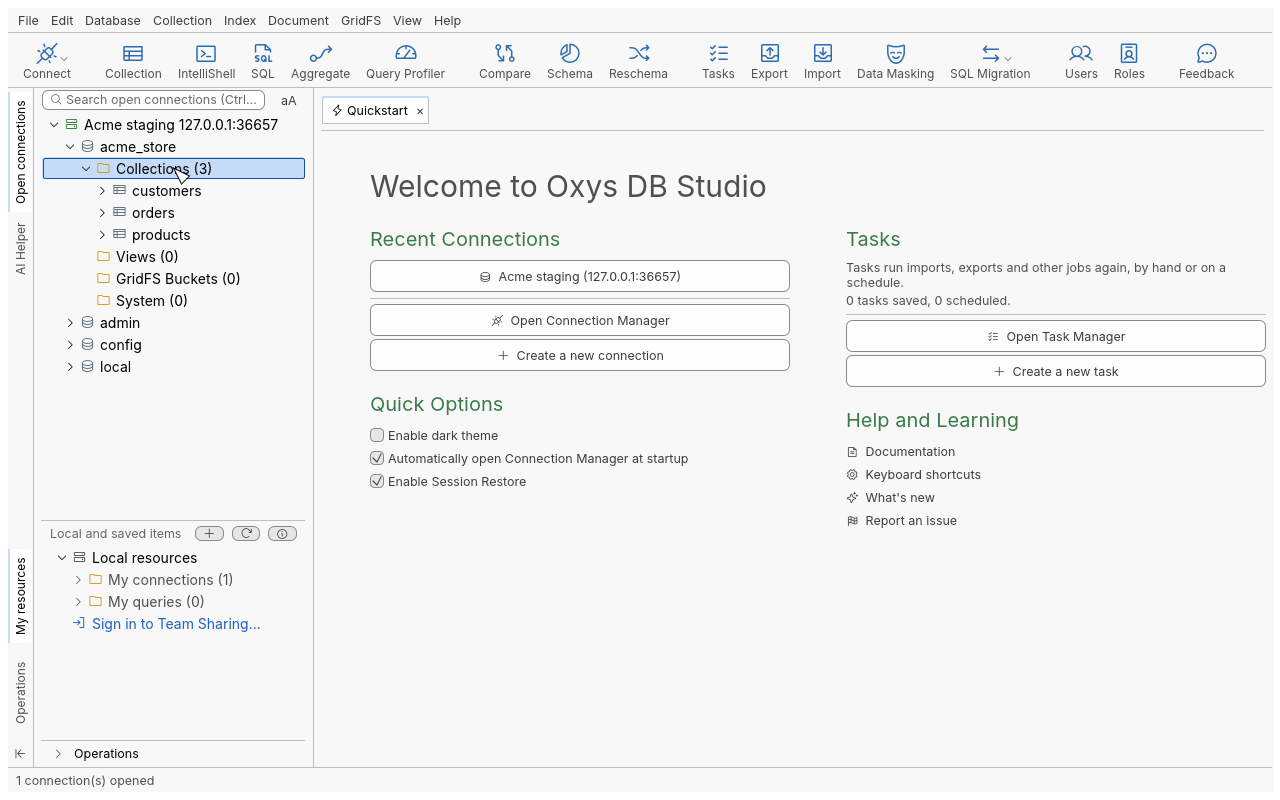
The examples in this section use a sample database, acme_store, with the collections
customers, orders and products.
- Import dataLoad JSON, CSV, mongodump folders and archives, a SQL table or another collection into MongoDB, with insertion modes and error handling.
- Export dataExport collections, views, query results or selected documents to JSON, CSV, Excel, SQL, a mongodump folder or archive, the clipboard or another collection.
- Migrate from SQL to MongoDBMove tables of PostgreSQL, MySQL, SQL Server, Oracle, IBM DB2 or Sybase into MongoDB collections, with embedded documents and arrays built from relations.
- Migrate from MongoDB to SQLTurn collections into relational tables, as SQL files or directly in MySQL, SQL Server, PostgreSQL, Oracle or IBM DB2, with embedded objects and arrays mapped to columns or child tables.
- Mask dataMake a masked copy of a collection (or mask it in place) with field-level techniques: null out, exclude, shuffle, partial masking, regex, random or fixed values.
- Reschema a collectionGive a collection a new structure: rename, retype, move, flatten, embed, extract or unwind fields, merge another collection, and write the result to new target collections.
- Compare and sync collectionsCompare two collections, on the same server or on two servers, see every difference down to the field, and copy documents or fields from one side to the other.
- Copy and paste collectionsCopy collections, views, buckets or whole databases in the connection tree and paste them into another database, on the same server or another, with their indexes and validators.